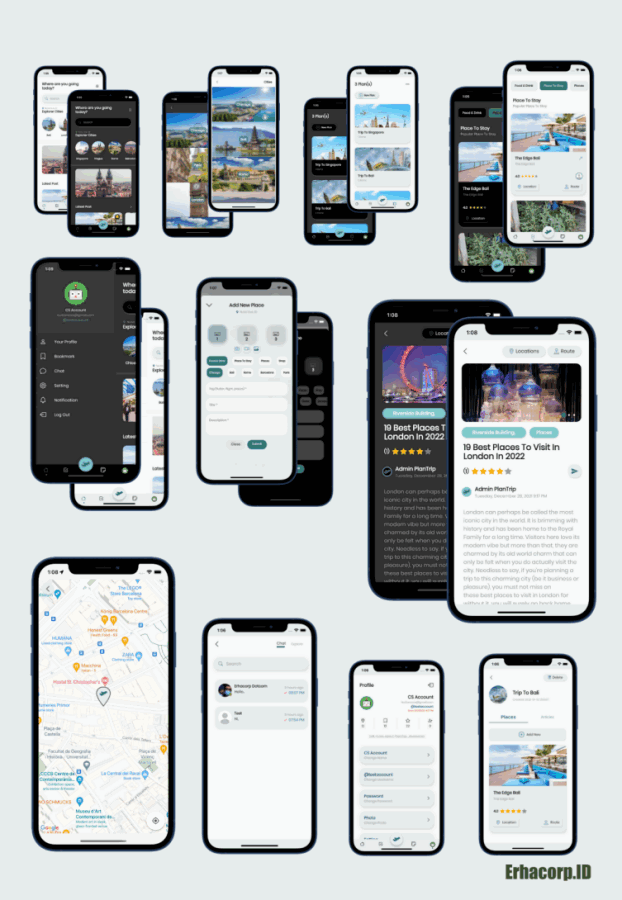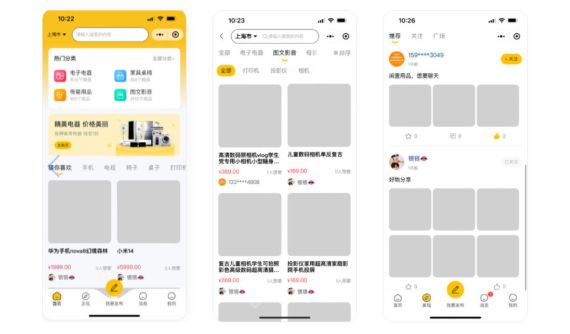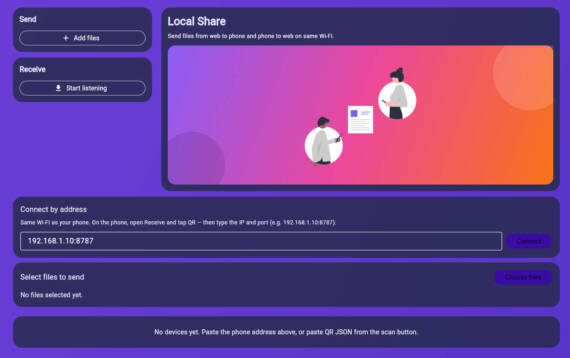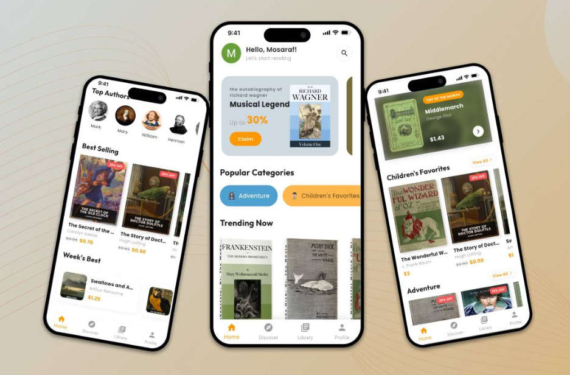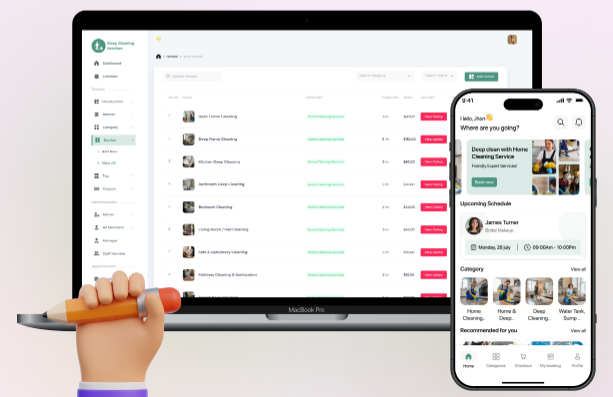

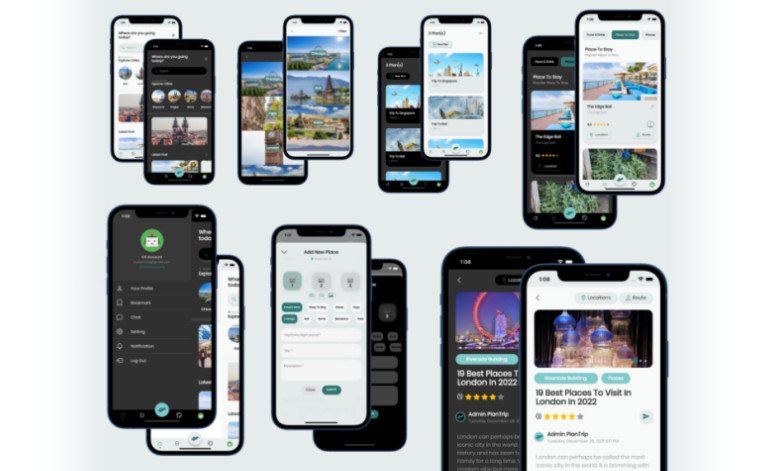
TripMate是一款驴友交流旅行计划社交应用系统Flutter手机APP源码,兼容 Flutter v.3.3和Dart v.2.18x,带有 GetX、聊天(文本、图像)、管理面板(PHP+Code Igniter+MySQL)。
技术栈1. GetX State Management
2. Get Storage, Google Font
3. Firebase Authentication, Messaging, Storage, Cloud Firestore, Push Notification
4. GeoLocator, Flutter Local Notification
5. Post with Text (required), Image, Video is a template
6. Post Place, Article, within your PlanTrip
7. Able to Comment, Review, Like/Dislike (Bookmark)
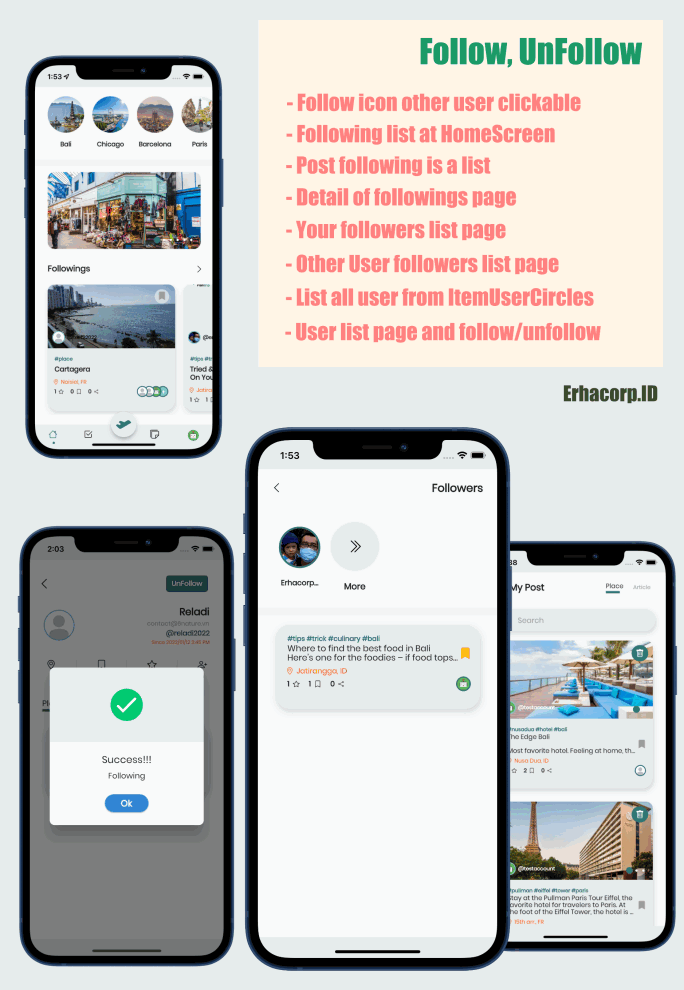
8. Able to Follow/Un-Follow (Followers, Followings), Profile, Other Profile
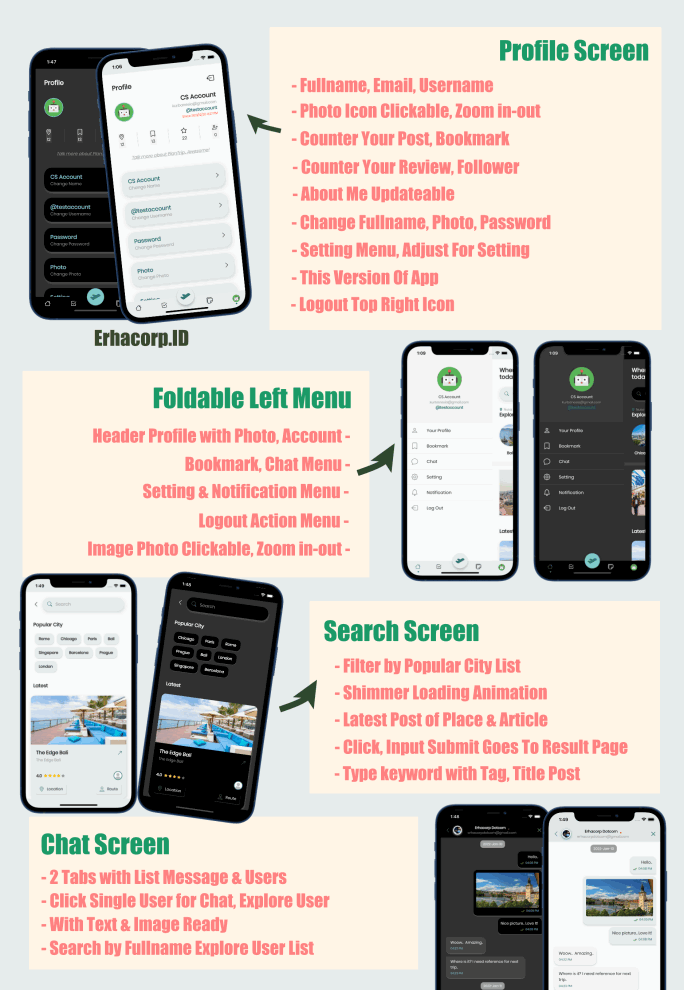
9. Search Place, Article & result page
10. Map Route Direction powered by Google Map
11. Explorer Cities, Categories, Latest Post, Top Post/Article
12. Fancy Bottom Navigation and Left Foldable Menu Drawer
13. Create Your Plan contains Place and/or Article for detailed
14. Chat with Text & Image Ready
15. Multi Language & RTL Ready
16. Dark & Light Theme
17. Flutter Latest version Ready
- 1. APP启动画面、登录和注册画面
- 2. 使用电子邮件和密码登录,与 Firebase 身份验证集成
- 3.社交登录是一个模板(谷歌、苹果、Facebook)
- 4. 使用全名、电子邮件、密码、重新密码和忘记密码注册
- 5. 4 个选项卡屏幕,主页、类别、计划、配置文件
- 6. 发布地点、标签、标题、描述(必填)、3 张图片、视频(模板)
- 7.探索城市,搜索,转到地方位置和路线方向谷歌地图
- 8. 由管理面板创建的内部旅游指南和特别酒店收藏
- 9. 书签(喜欢/不喜欢)、地点和文章详情
- 10. 花哨的可折叠左侧菜单抽屉
- 11. Create Post (Place/Article), Comment/Review, Like/Dislike/Bookmark)触发的通知
- 12. 多语言和 RTL 支持就绪
- 13. 黑暗与光明主题准备就绪
- 14. 准备好文字和图片聊天
- 15. 通知、修改密码
- 16.关注/取消关注,粉丝列表,关注列表
- 1. Splashscreen, Login & SignUp Screen
- 2. Login using Email & Password, Integrated with Firebase Authentication
- 3. Social Login is a Template (Google, Apple, Facebook)
- 4. SignUp with Fullname, Email, Password, Re-password & Forgot Password
- 5. 4 Tab screens, Home, Category, Plan, Profile
- 6. Post a Place, within Tag, Title, Description (required), 3 Images, Video (template)
- 7. Explorer the Cities, Searching, Goto place location and route direction Google Map
- 8. Inside Travel Guide & Special Hotel Collection created by Admin Panel
- 9. Bookmark (Like/Dislike), Place and Article Detail
- 10. Fancy Foldable Left Menu Drawer
- 11. Notification triggered by Create Post (Place/Article), Comment/Review, Like/Dislike/Bookmark)
- 12. Multi Language & RTL Support Ready
- 13. Dark & Light Theme Ready
- 14. Chat with Text & Image Ready
- 15. Notification, Change Password
- 16. Follow/UnFollow, List of Followers, Followings
- 1. Simply Dashboard
- 2. List of Categories, Sliders (Local Partner Ads), Cities
- 3. List of Install & User
- 4. List of Plan, Place & Article
- 5. List of Admin User Login
1. Flutter Framework (https://flutter.dev)
2. Server, Hosting, Domain with SSL Support (https)
3. PHP, MySQL, PHPMyAdmin, support API JSON + PHP
4. Firebase Account Console Developer
5. Google API Map Key Console Developer
6. Visual Studio Code
7. Code Igniter v.4x with PHP v 7.4 up to
8. Follow instruction in Technical Documentation.
9. A Brain to Think
- Apache Server
- 申请了SSL的域名
- PHP Versions >= 7.40
- MySQL >= 8.0
- phpMyAdmin >= 5.1
- CodeIgniter >= 4.0
要访问后端 API,您需要使用您域名中的路径“/public/api”,配置您的Web服务器(基于您的操作系统)并将 api 目录提取到您的网络服务器中。我们建议根路径 `/www/wwwroot/www.xxx.yyy` 或 `/public_html` 或`/httpdocs` 下的 `upload` 和 `writable` 等两个文件夹对所有用户开启可读、可写和可执行权限。(chmod -R 777)
To access the backend API, you will need to utilize the path `/public/api` from your domain, configure your web server (based on your OS) and extract the api directory into your webserver. We recommend the root path `/var/www/html` or `/public_html` or `/httpdocs` and `upload` and `writable` make the folder readable, writable and executable by all users. (chmod -R 777)
演示系统演示地址